
The Cash App not only helps you make payments, but it also helps you purchase, earn, sell, and withdraw Bitcoins. You can also earn Bitcoins using your mobile phone. This guide will help you learn the answer to the following question: “How to withdraw Bitcoins using the Cash App? ”.
What Is Cash App Bitcoin, and How Does It Work?
Additionally, Cash App enables users to track their Bitcoin assets in addition to their Cash App balance. Once the user enables the Bitcoin feature, Cash App becomes a custodian wallet, meaning that the user’s Bitcoin assets are stored in the Cash App wallet and the private keys are handled for the user until they are ready to withdraw the assets. To use Bitcoin services through Cash App, users are required to complete a verification process and protect their accounts using a PIN code or biometric data. Although Cash App provides users with basic Bitcoin services, including storing, selling, and withdrawing Bitcoin, users can consider using third-party services, such as Boomchange, for Bitcoin conversion and withdrawal services.
How to Receive Bitcoin on Cash App
To receive Bitcoin via Cash App, it is important to ensure the Bitcoin feature is enabled. After enabling it, you can access your Bitcoin address and transfer the Bitcoin funds from the sender’s account to get processed by the Bitcoin network to confirm the transaction. Similar steps can be followed to send Bitcoin from other third-party services like Boomchange, which allows users to exchange their cryptocurrency for other external wallets as well. Similar to any other Bitcoin transaction, verifying the wallet address is important for an efficient transaction process.

Selling Bitcoins on Cash App
If you want to sell your Bitcoins in order to cash them out, open your Cash App. Go to the Bitcoin section. Tap "Sell." Next, you will be required to input the amount in BTC or USD that you want to sell. Review the details provided in terms of price and fees. Confirm your sale by using your PIN or biometrics. After selling your Bitcoins, you will receive an amount in USD in your Cash App account.
How to Withdraw Bitcoins from Cash App
There are two main ways to withdraw Bitcoin, depending on your goal:
Option A: Withdraw BTC to an External Wallet (Keep BTC)
However, in case you would like to continue holding your Bitcoin in the Cash App, you should open the Bitcoin tab and choose “Withdraw Bitcoin.” After that, you should enter the amount of Bitcoin that you would like to withdraw. In this step, you should paste or scan the address of your external wallet. Finally, you should authenticate the transaction. The transaction will be processed once it has been confirmed by the blockchain.
Option B: Sell BTC and Withdraw USD to Your Bank
If you would like to withdraw funds, you can sell the Bitcoin on the Cash App and go to the Banking section and tap “Cash Out.” You will be able to select the amount and type of transfer, whether it is standard or instant. After that, you will just have to wait for the transfer to your bank account. It will take a couple of business days.
Security Tips for Bitcoin on Cash App
To ensure your money is safe, it's always a good idea to check wallet addresses before sending Bitcoin. Enable PIN/biometric access for Cash App. Don't respond to unsolicited messages claiming to be support. Transaction records should be kept for tracking purposes.
Where Else You Might Encounter Bitcoin Withdrawal Services
Despite the availability of all the necessary services in managing your Bitcoin through Cash App, there are some services available on the internet that can help you in withdrawing or converting your Bitcoins, such as Boomchange.
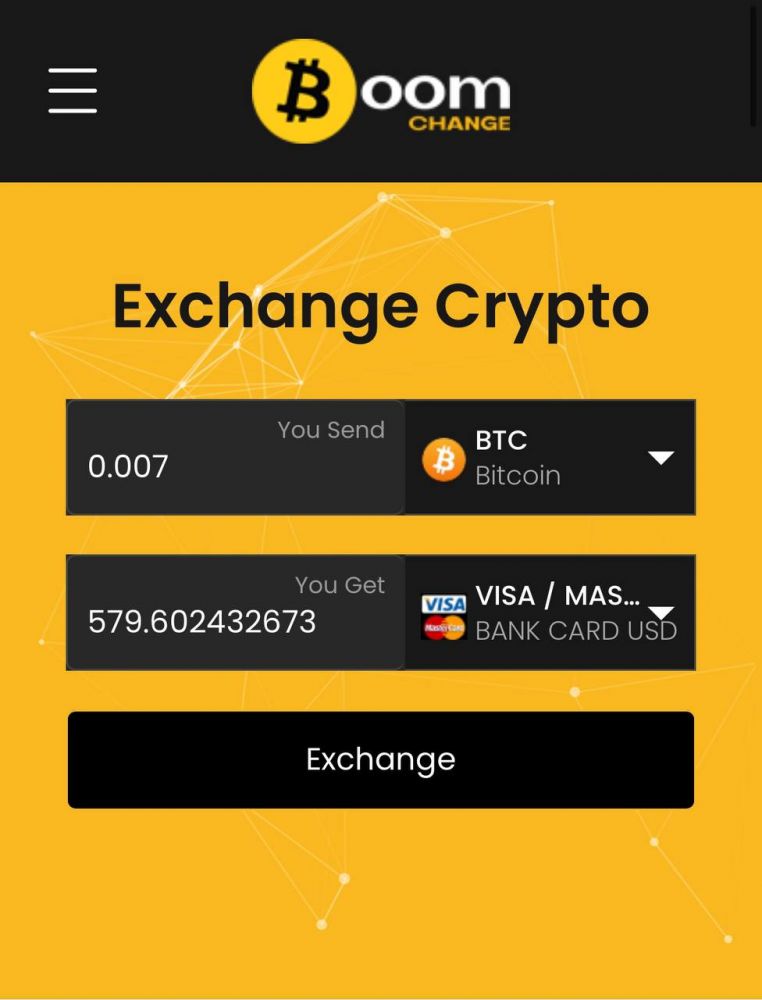
Boomchange is a website available on the internet, which provides services for the conversion and withdrawal of cryptocurrencies, such as the conversion of Bitcoin or any other token into fiat or digital payment services like PayPal. There are a number of options available on the website for the conversion of cryptocurrencies, and the transaction process is quick as well.
However, as per the independent trust and security analysis of the website, it has been found that there are some concerns available about the legitimacy of the website. As per the automated trust and security analysis of the website, it has been declared a dangerous website, and it has a low trust score. There are a number of reviews available from the customers of the website, and it has been claimed by some customers that the transaction process is quick, while others claim that they never received their money or that it is a scam.
Common Issues and Troubleshooting
Some problems that might occur include delayed withdrawals because of insufficient confirmations. Reaching Cash App’s limits without completing the identity verification process. Entering incorrect wallet addresses can cause loss of BTC. These problems occur because of network or user errors, not the app itself.
Frequently Asked Questions
1. Can I receive Bitcoin from any wallet?
Yes—as long as the sender uses your correct BTC address.
2. Do I need to sell before withdrawing?
Not if you’re withdrawing Bitcoin to an external wallet. But if you want cash, you must sell first.
3. Are there minimum withdrawal amounts?
Yes—Cash App enforces minimums for BTC withdrawals.
4. Is Cash App good for long-term crypto storage?
Unlike self-custody wallets, Cash App retains control of your keys. For long-term secure storage, moving Bitcoin to your own wallet is generally safer.
Conclusion
The Cash App allows you to easily receive, sell, and withdraw your Bitcoins as desired. However, it is important to remember that you need to verify your addresses as well as be cautious of the fees when making your transactions. In case you want to explore other options beyond the most common ones, be cautious because not all of them can be trusted.